For lash stylists
Agree the set before every appointment.
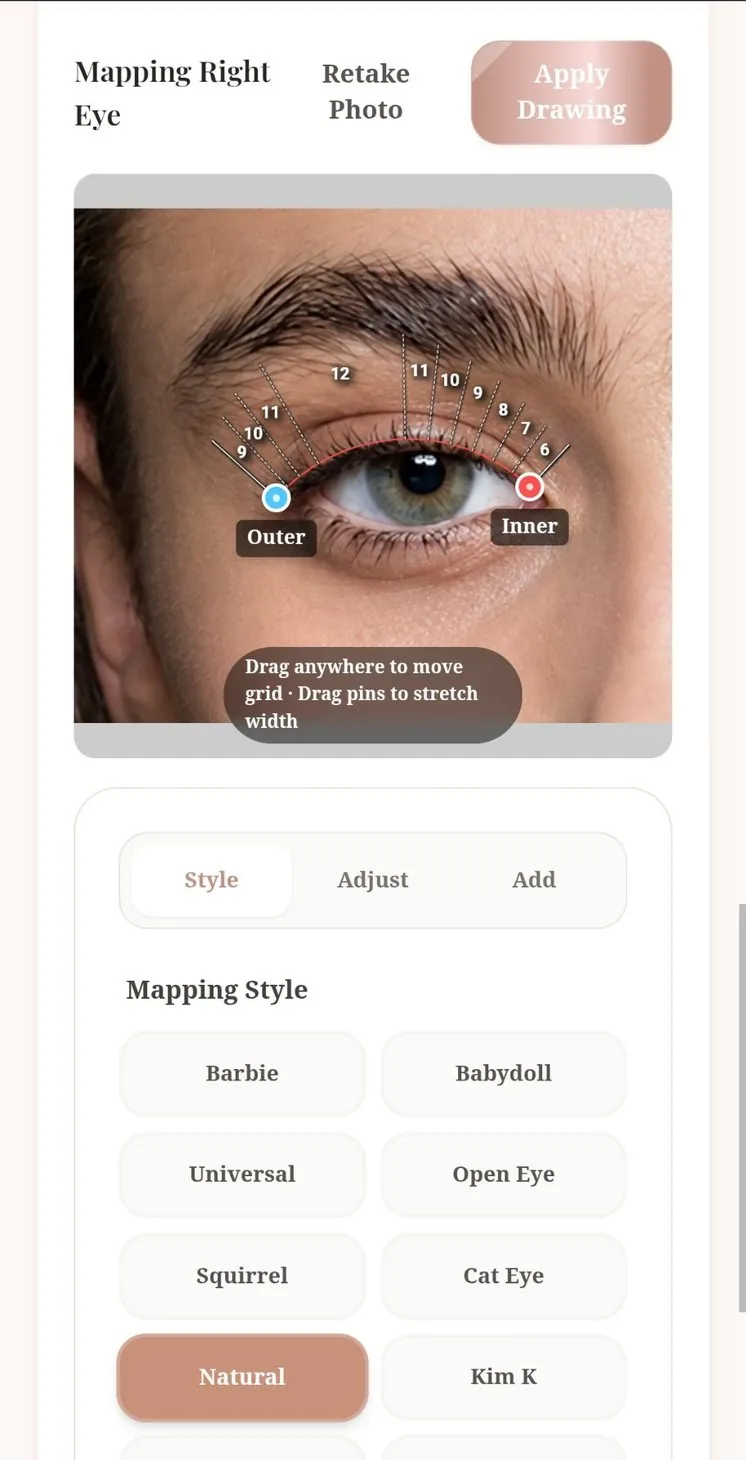
Brissie shows your mapping on her eyes and keeps appointment details in a session note for you to review before the fill.
You’re on the list.
We’ll write once, on opening day, to the address you gave.
What changes in your day
Less guessing from the start. Nothing lost at the end.
See the whole appointment in how Brissie works, and what your clients see in virtual lash try-on for clients.
The client chooses the style before you start
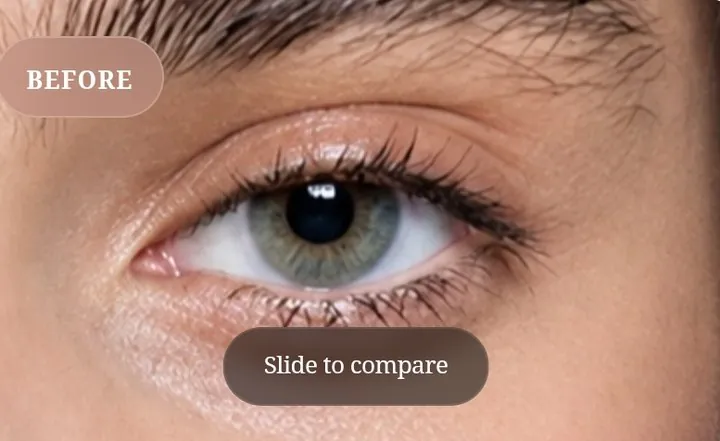
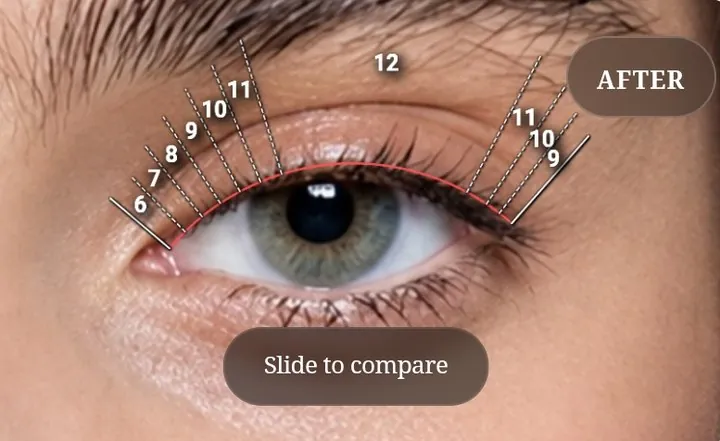
“Natural but full” becomes a picture you both start from. The mapping is saved on her photo.
Every fill starts where the set ended
Mapping, curl, lengths and thickness are saved in a session note. No rebuilding a set from memory or an old photo in your camera roll.
24 mappings to start from
Over 300 style combinations, adjusted to her eye shape with the curl and lengths you choose.
The room goes on record too
Temperature, humidity, adhesive and drying time sit with each session, so when retention changes you have the conditions to compare.
Consent, kept properly
Your client confirms the consent form on your phone or from a link you send her, and Brissie keeps all files in one place.
Bookings in the same place
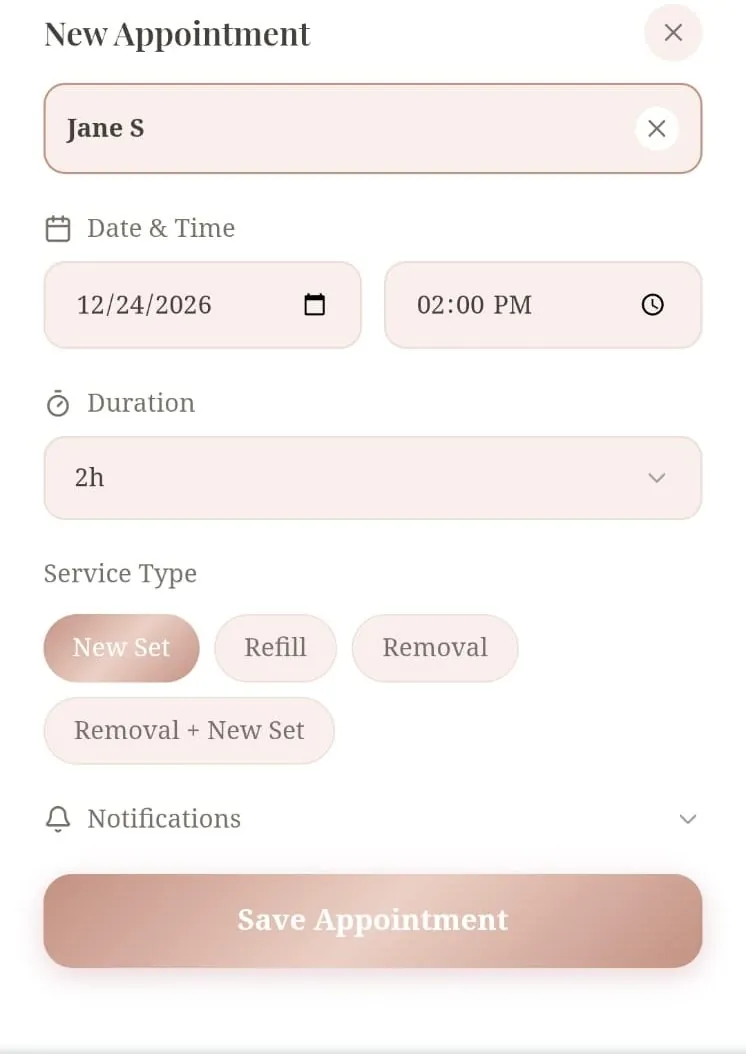
Keep track of new sets, refills or removals in your calendar, linked to each session.
The mapping session
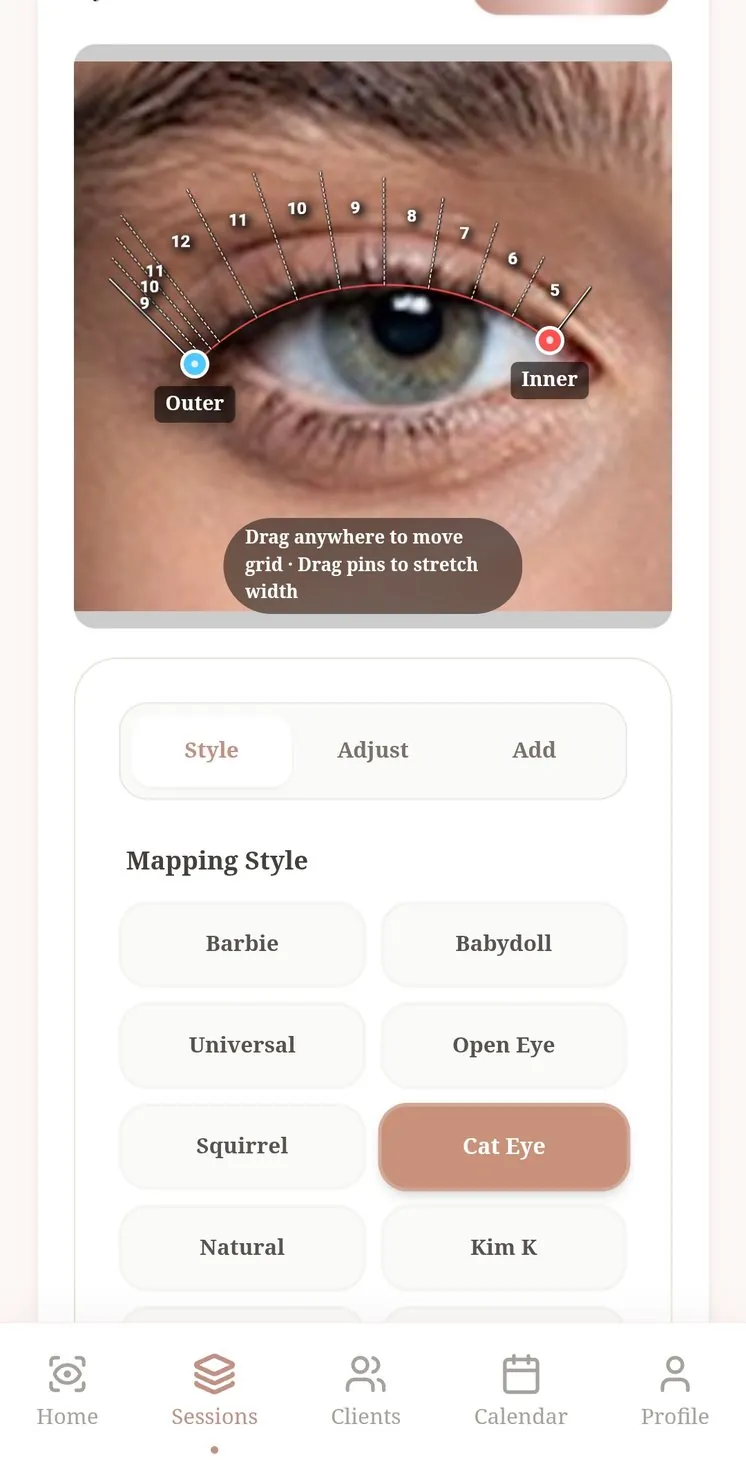
Mapping directly on the eyes.
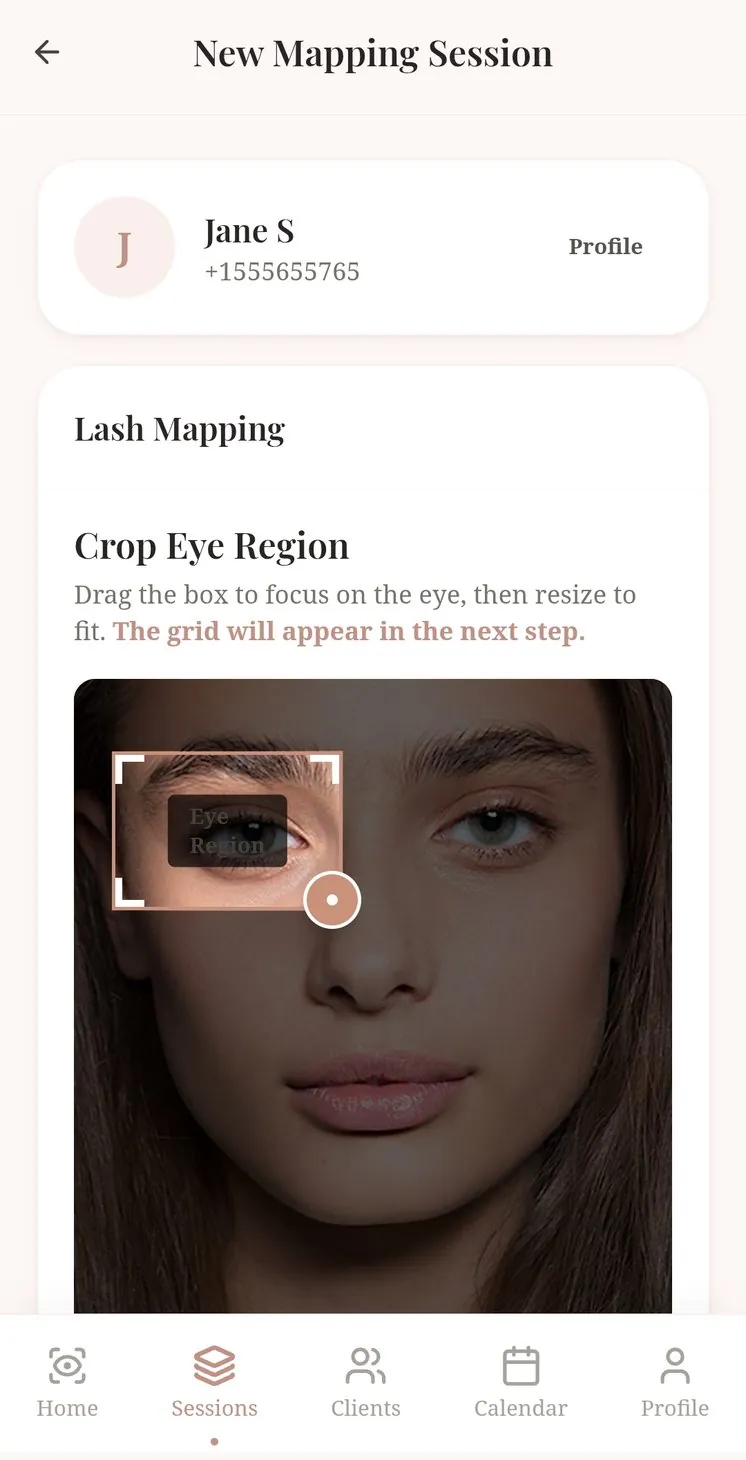
Open a session from your client’s profile, upload or take a photo, and adapt the style mapping, curls and volume you agreed together. Save it to her profile.
- Crop to the eye, then work on the grid
- Double selection of curls, from J to L120
- Save the mapping straight into her session note
The session note
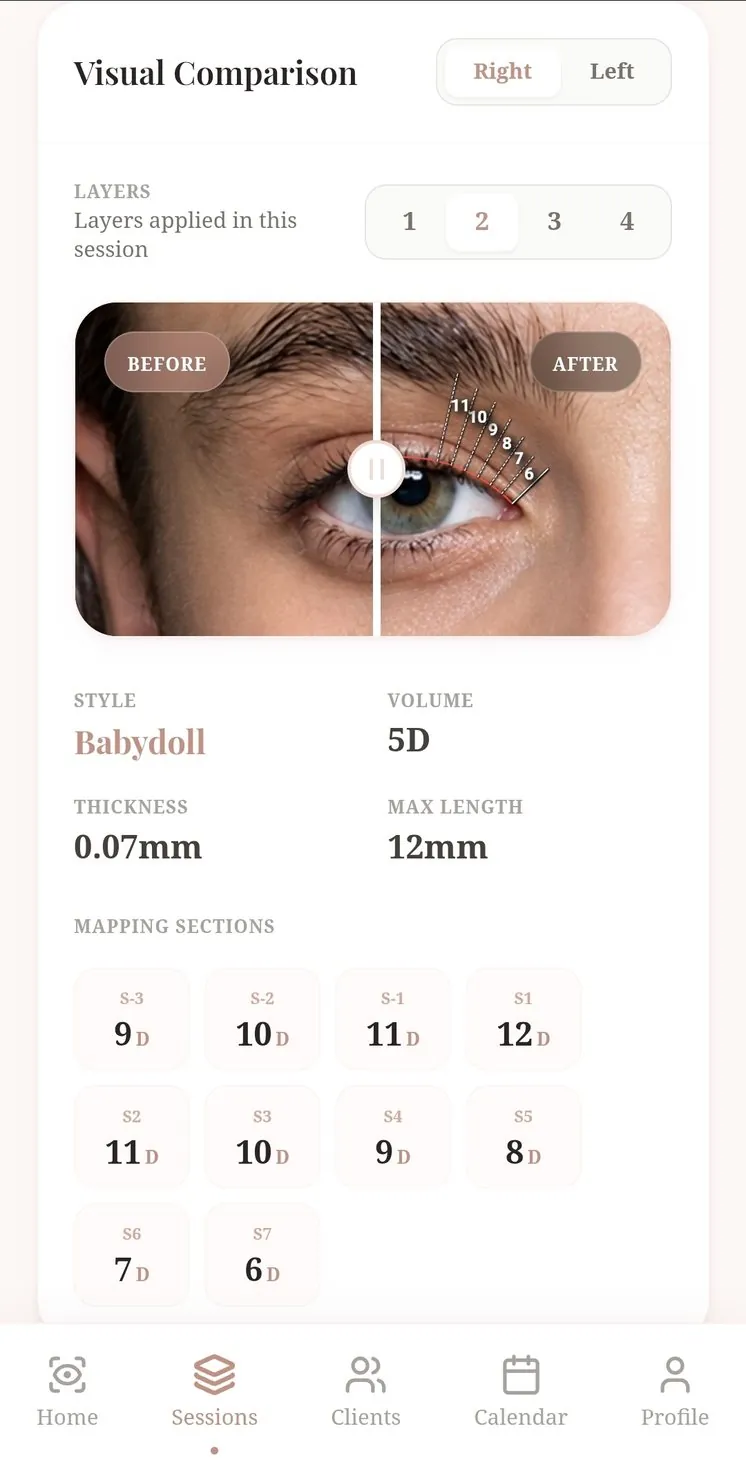
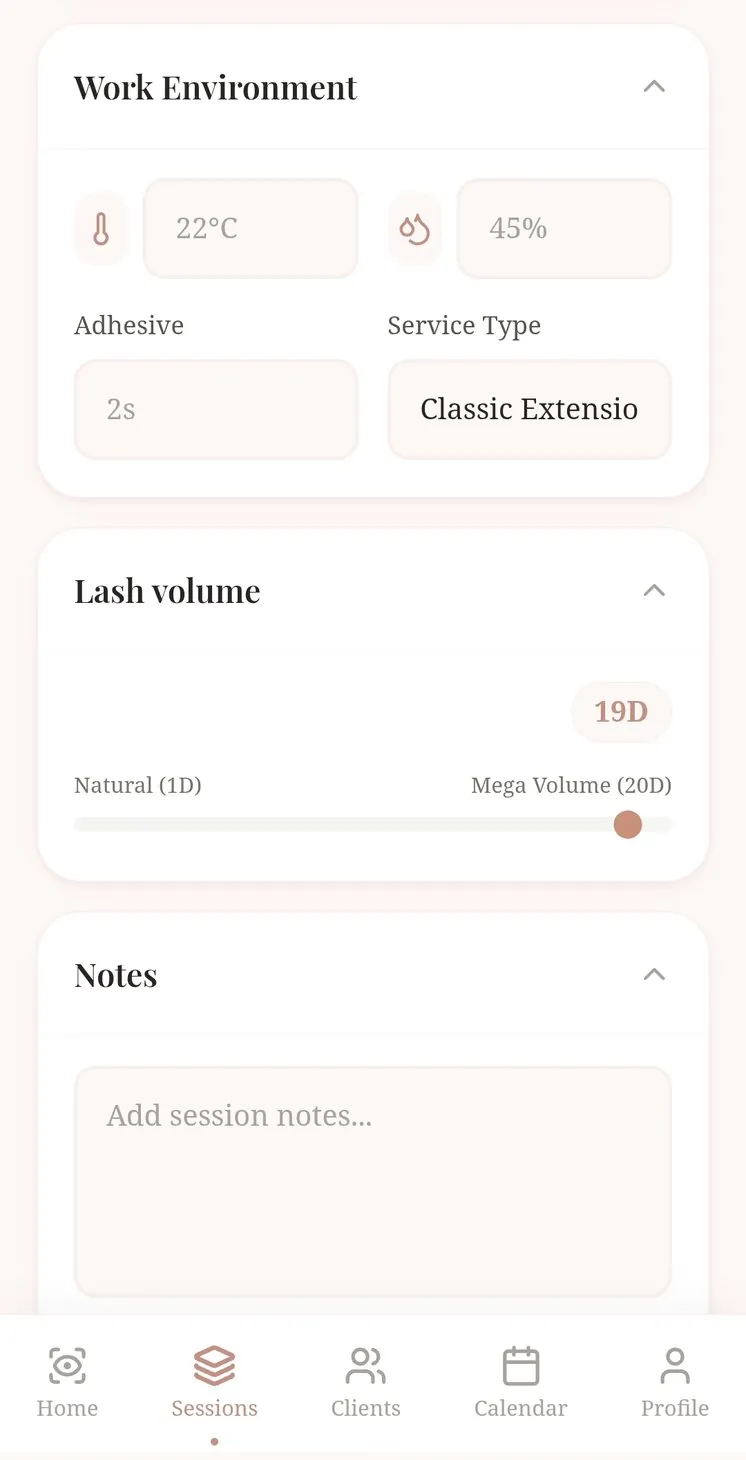
Notes that remember parameters.
Retention depends on more than the set. Besides mapping, Brissie also keeps track of your environmental parameters.
- Mapping, curls, thickness, volume and layers
- Room temperature, humidity and adhesive drying time
- Before and after photos of the finished set
Clients and calendar
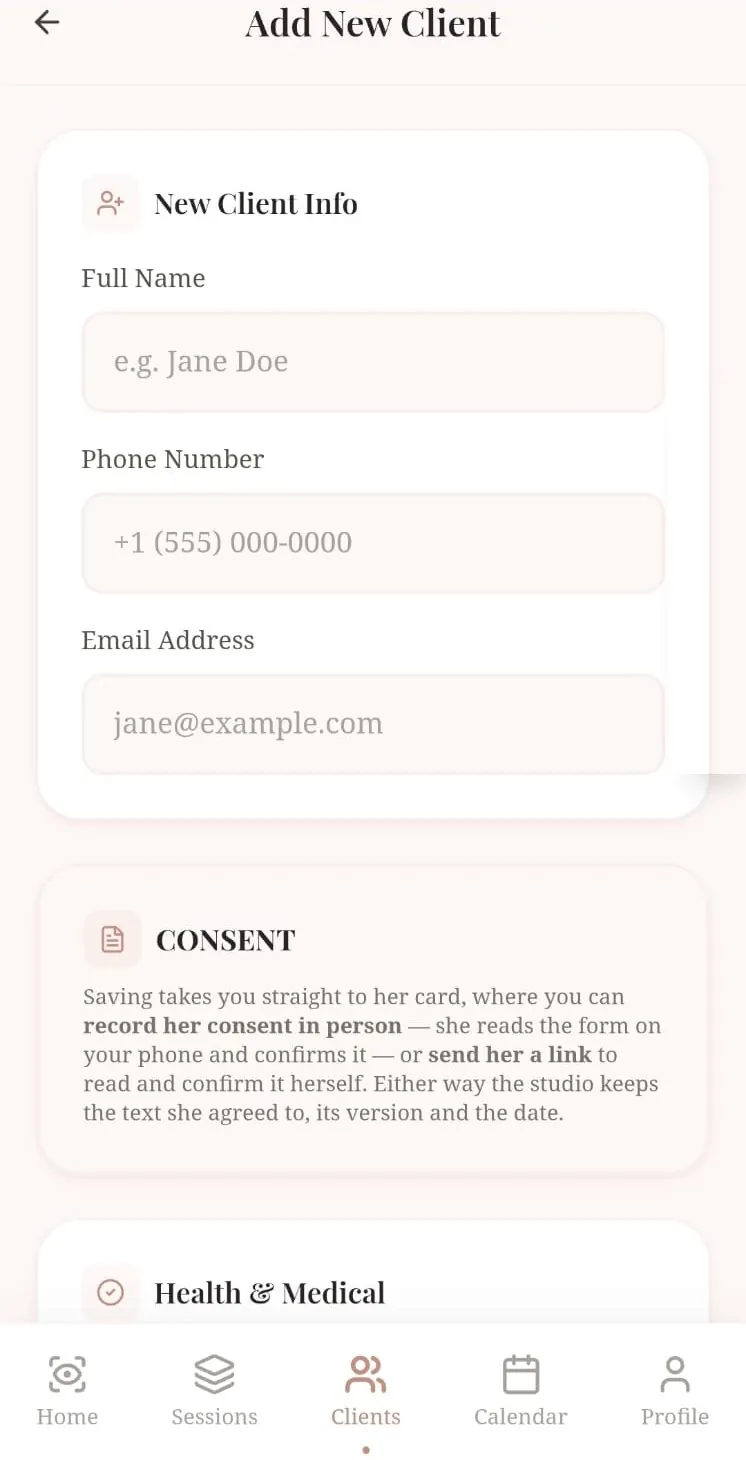
Her profile, her consent, her next fill.
Each of your clients has a profile with her details, consent and history. Book from the same place, with the service already named.
- Consent confirmed in person or by link, with the version kept
- Appointment length, date and reminders in one sheet
- Runs in the browser on your phone, nothing to install (more in the FAQ)

Be in on opening day.
Sign up and we’ll send one email the day Brissie opens for stylists.
You’re on the list.
We’ll write once, on opening day, to the address you gave.
More to come